
One-Click Magic
Stop manually resizing images. Generate every size you need instantly.
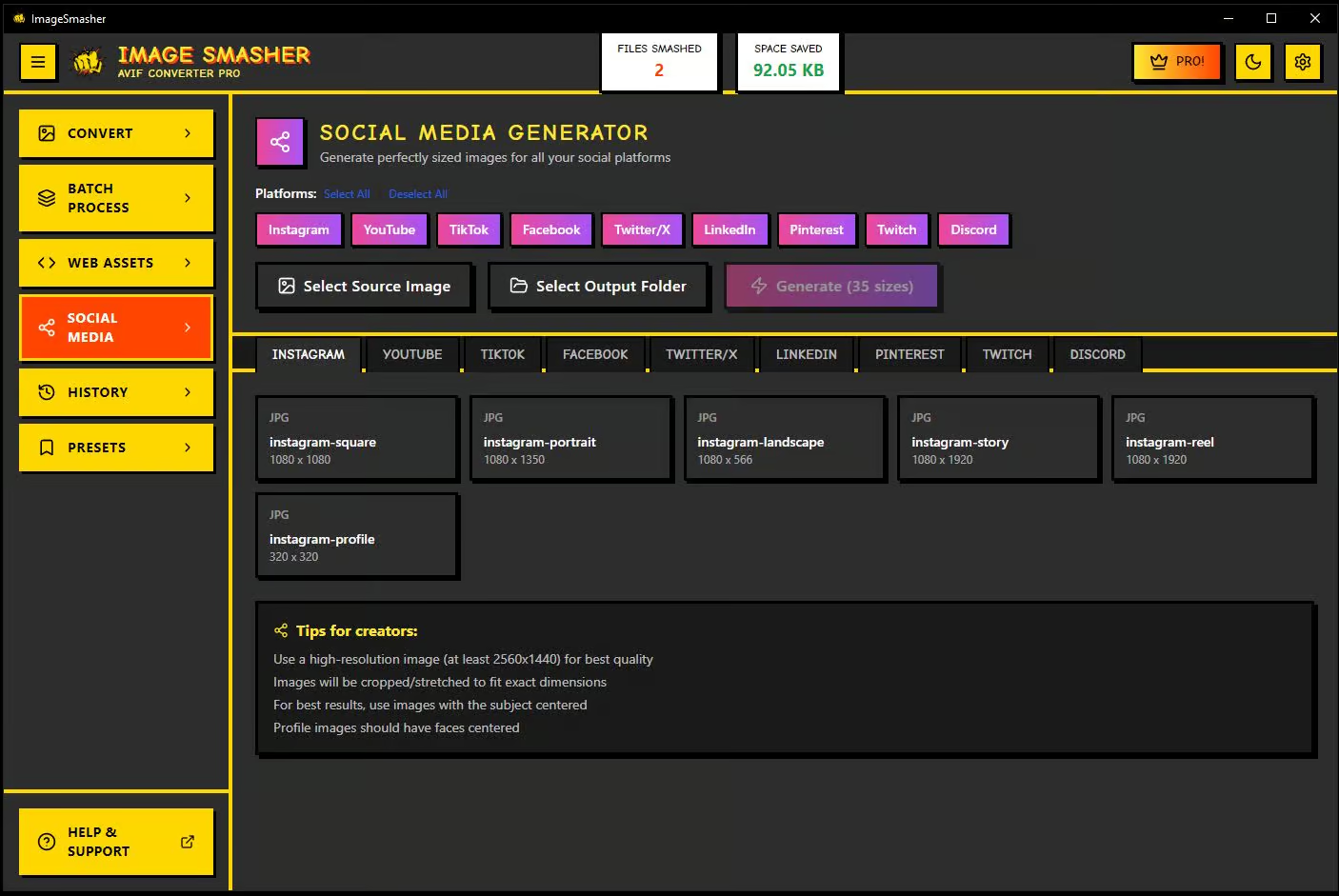
Social Media Generator
Generate images for all your social platforms with one click.
35+ sizes from one image
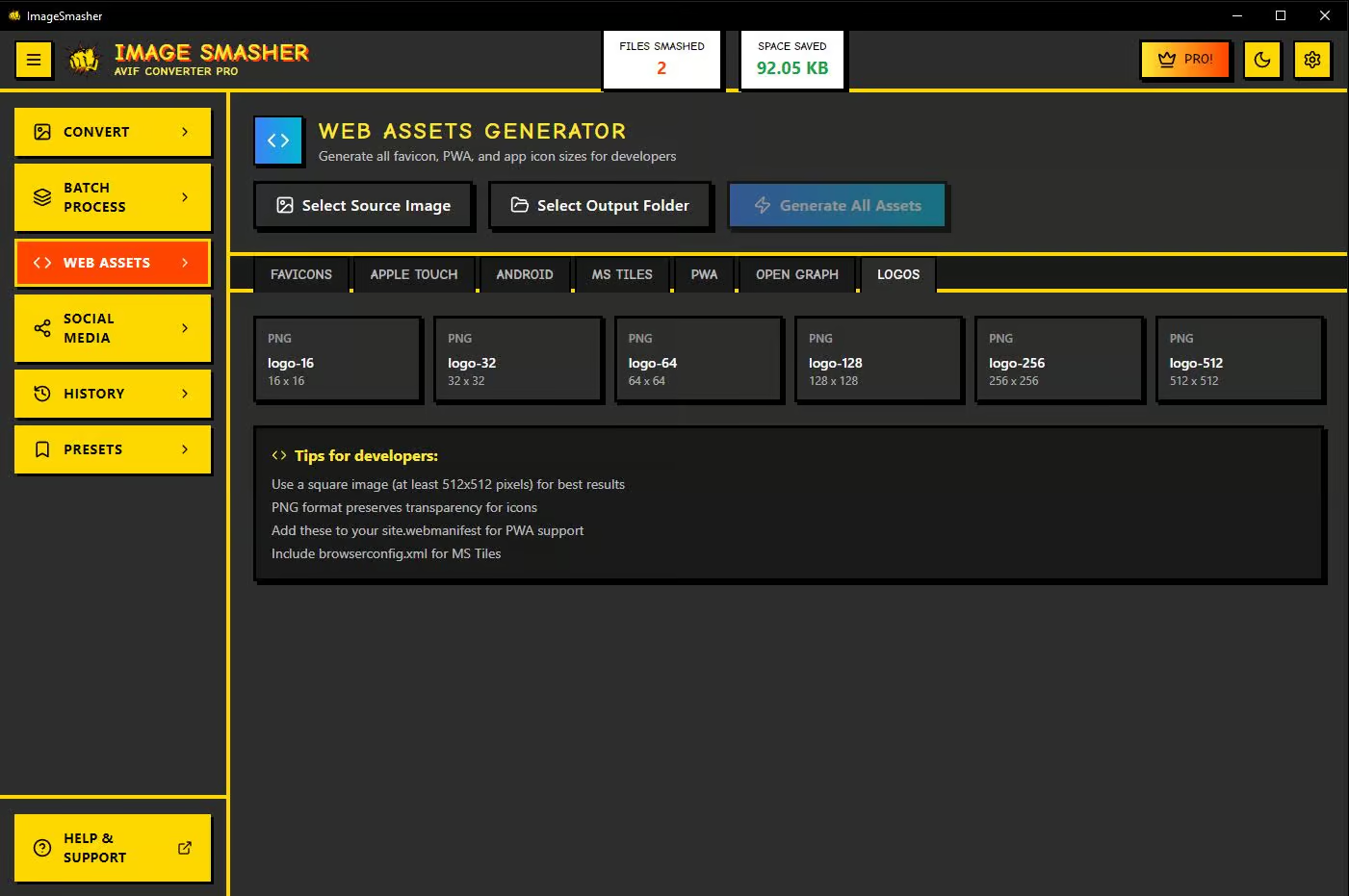
Web Assets Generator
Generate all favicon, PWA, and app icon sizes for developers instantly.
Every icon size. One click.
$129
One-Time Payment • Forever Yours
Frequently Asked Questions
Is ImageSmasher really free?
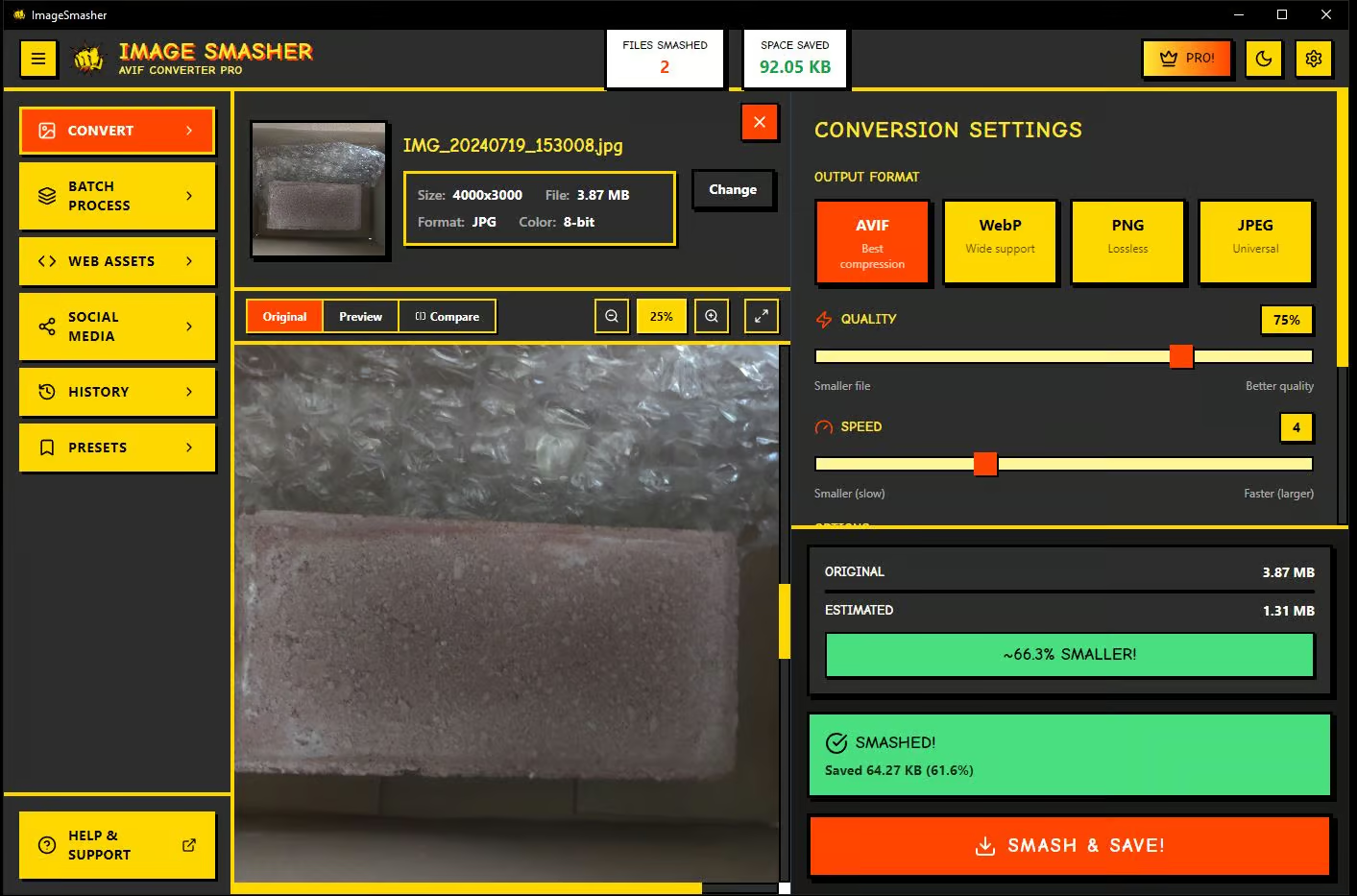
Yes. The free version handles single image conversion to AVIF, WebP, PNG, and JPEG with full quality control. No watermarks, no time limits, no account required. Pro unlocks batch processing, smart presets, social media generation, and web asset export for a one-time $129 payment.
What’s the difference between Free and Pro?
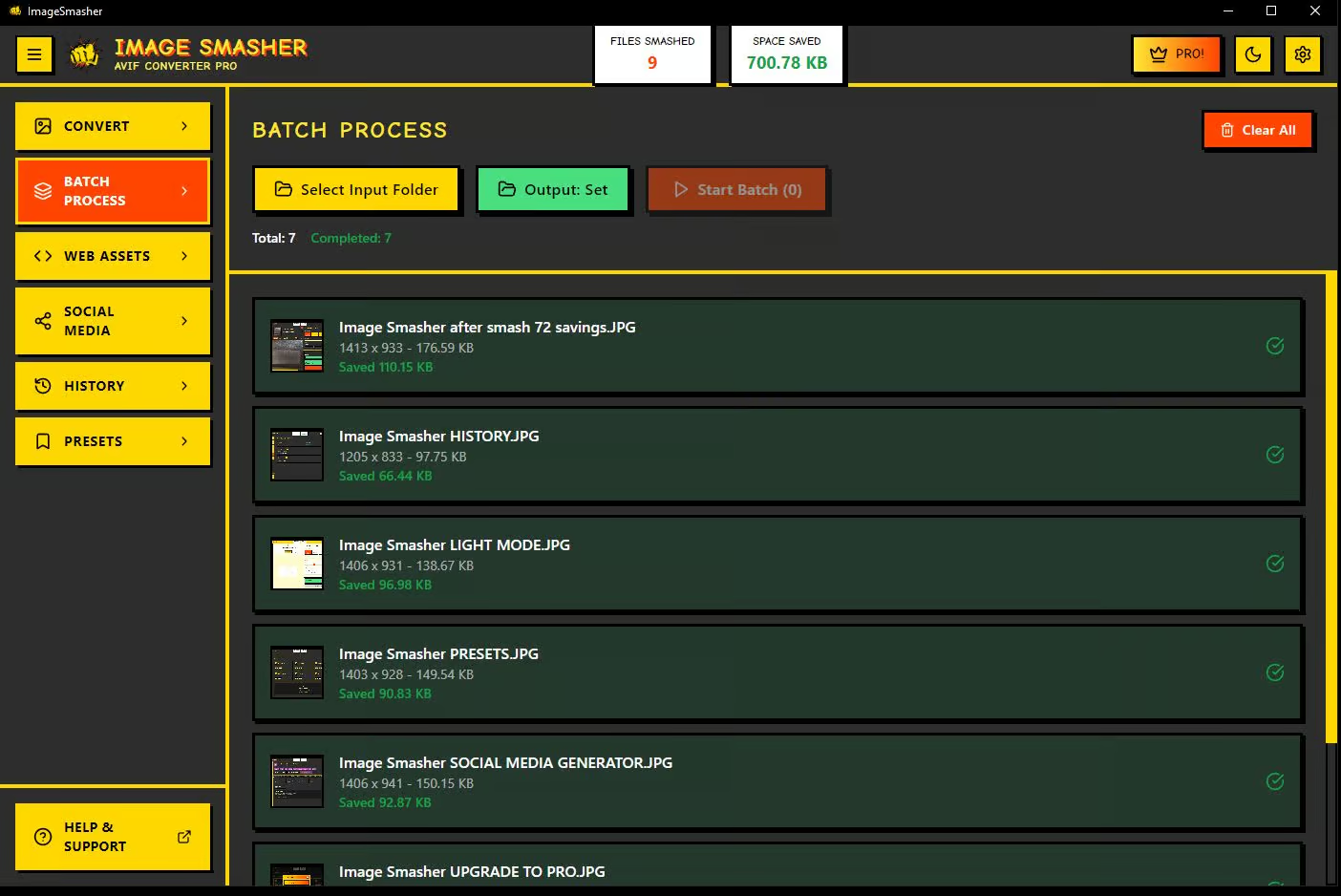
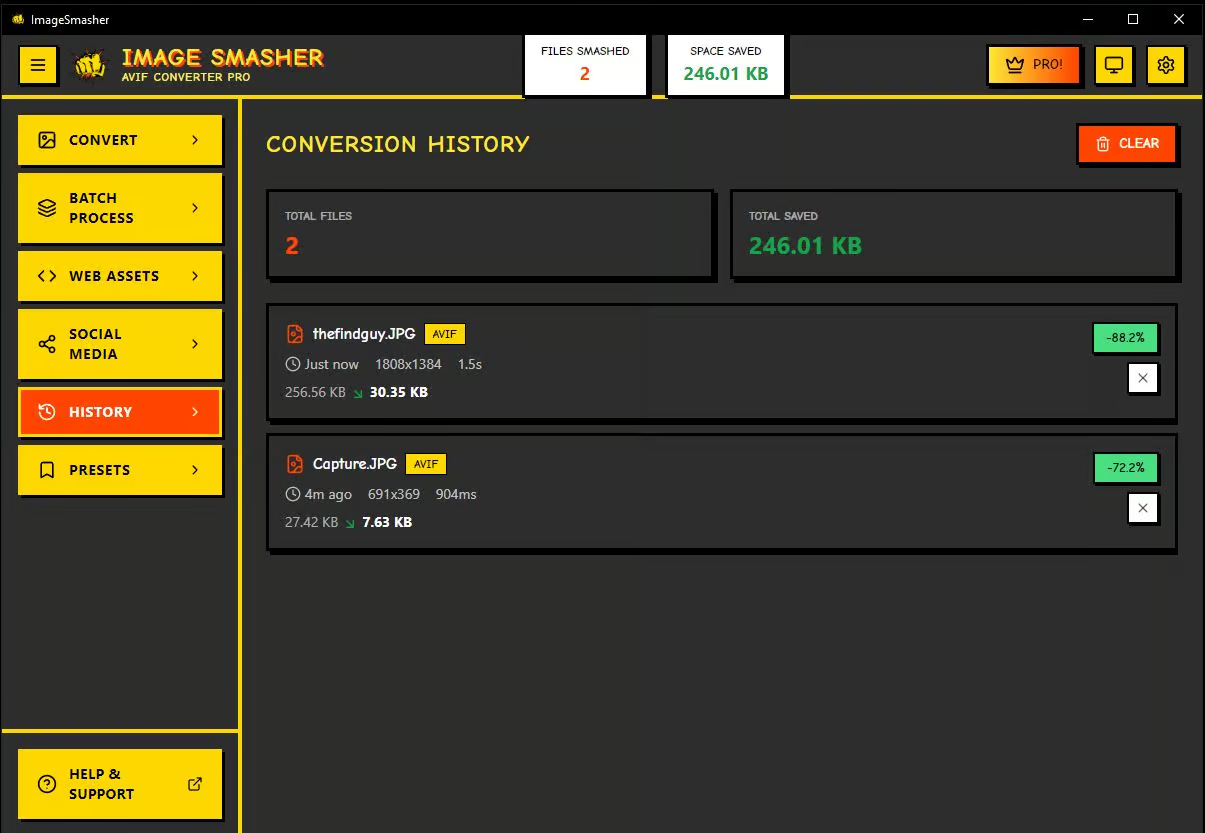
Free converts one image at a time with manual settings. Pro adds batch processing, smart presets for web/social/print, the social media image generator, the web assets generator, and a conversion history panel.
Does ImageSmasher work offline?
100%. ImageSmasher runs entirely on your machine. No internet connection, no cloud uploads, no servers. Your images never leave your computer.
What image formats does it support?
Input: JPG, PNG, WebP, BMP, TIFF, and GIF. Output: AVIF, WebP, PNG, and JPEG. Convert between any combination.
Will I lose image quality?
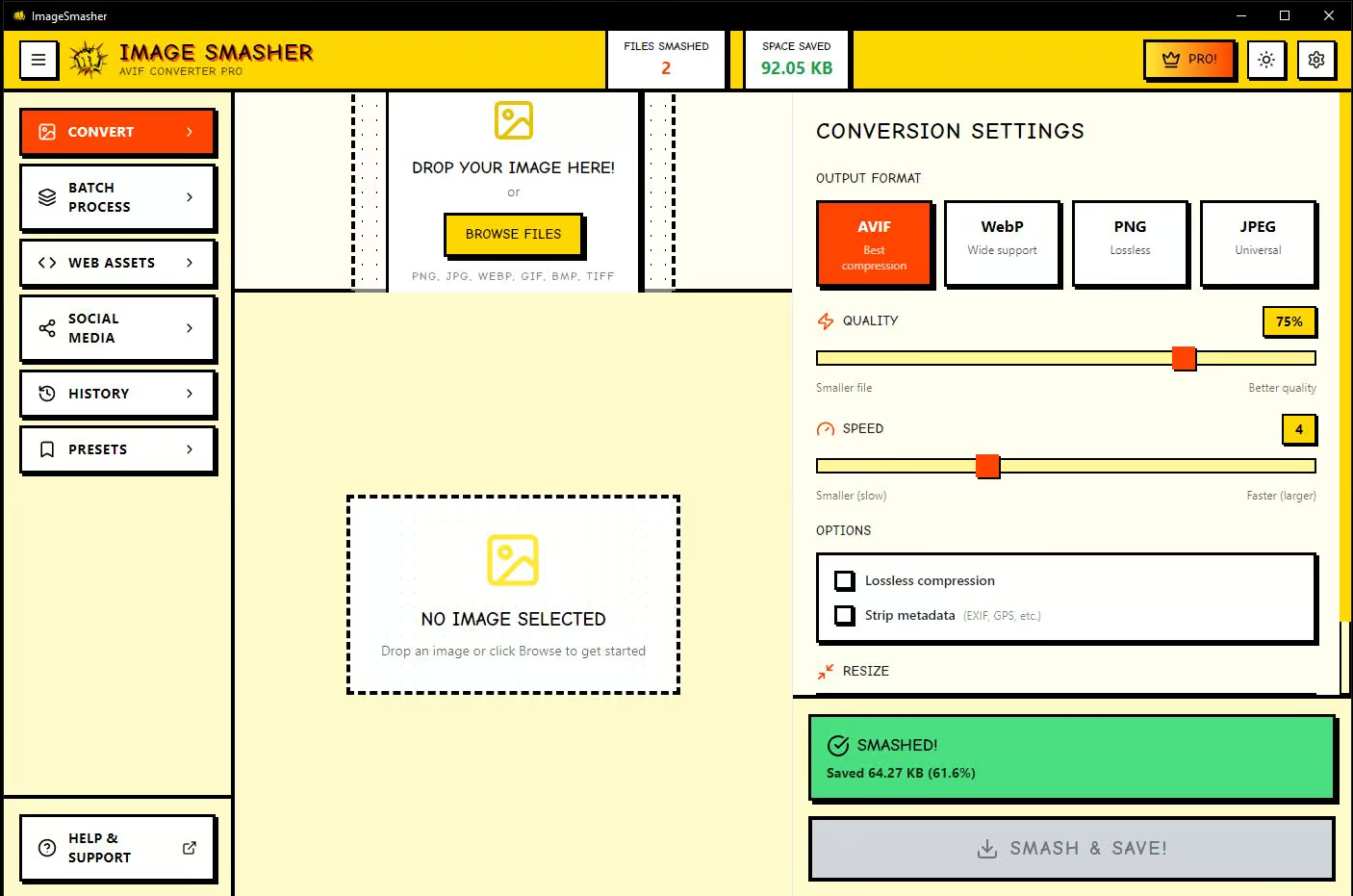
Not unless you want to. You control the quality slider. At default settings AVIF achieves 90% smaller files with virtually no visible difference. Preview before and after side-by-side before saving.
Does it work on Mac or Linux?
Currently Windows 10/11 only. Mac and Linux versions are planned for a future release.
What are smart presets?
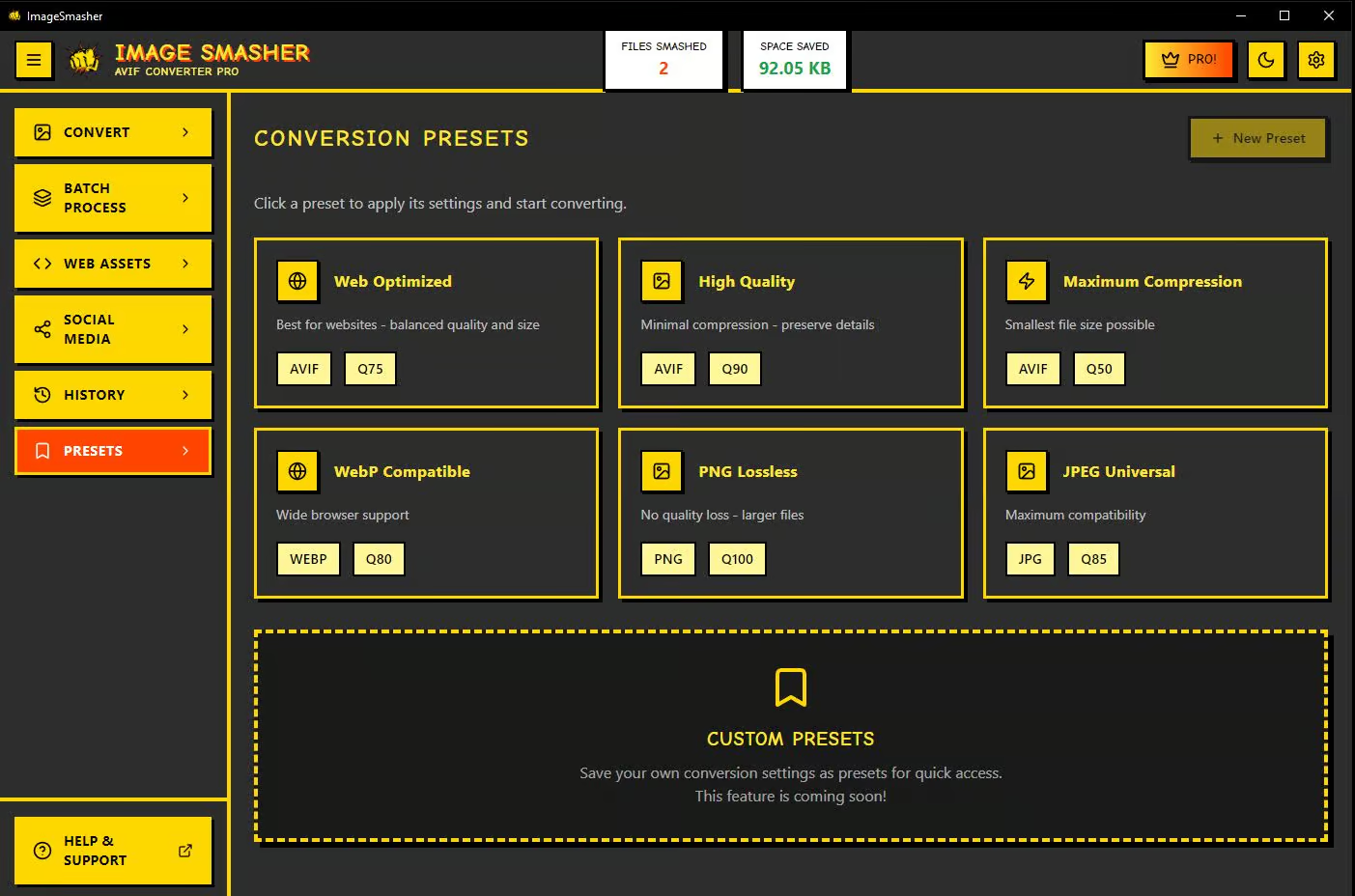
One-click conversion profiles optimized for specific use cases. Web targets small files for fast page loads. Social sizes for Instagram, YouTube, TikTok, and more. Print keeps maximum quality.
Is my data private?
Completely. Everything processes locally. No images uploaded to any server. No analytics track your files. No account needed.
Ready to SMASH?
Download the installer and start crushing your file sizes today.